
Quick summary
This guide covers the conversion tactics that work specifically for food and drink Shopify stores: storytelling photography, subscription mechanics, provenance trust signals, allergen clarity, and delivery transparency. Written for UK food merchants who want to close the gap between their product quality and their online CVR.
Food and drink merchants spend months perfecting their product, then put it on a Shopify store where the photography is flat, the delivery terms are buried in the footer, and there's no obvious reason to buy now rather than later. The result: a sector average conversion rate of 1.5–2.5%, well below the 3–4% that top-performing food and drink stores achieve consistently. That gap is not about the product. It is about the store.
The tactics below are specific to food and drink. Generic CRO advice will not get you there — a button colour test will not fix a trust problem.
How does photography affect food ecommerce conversion?
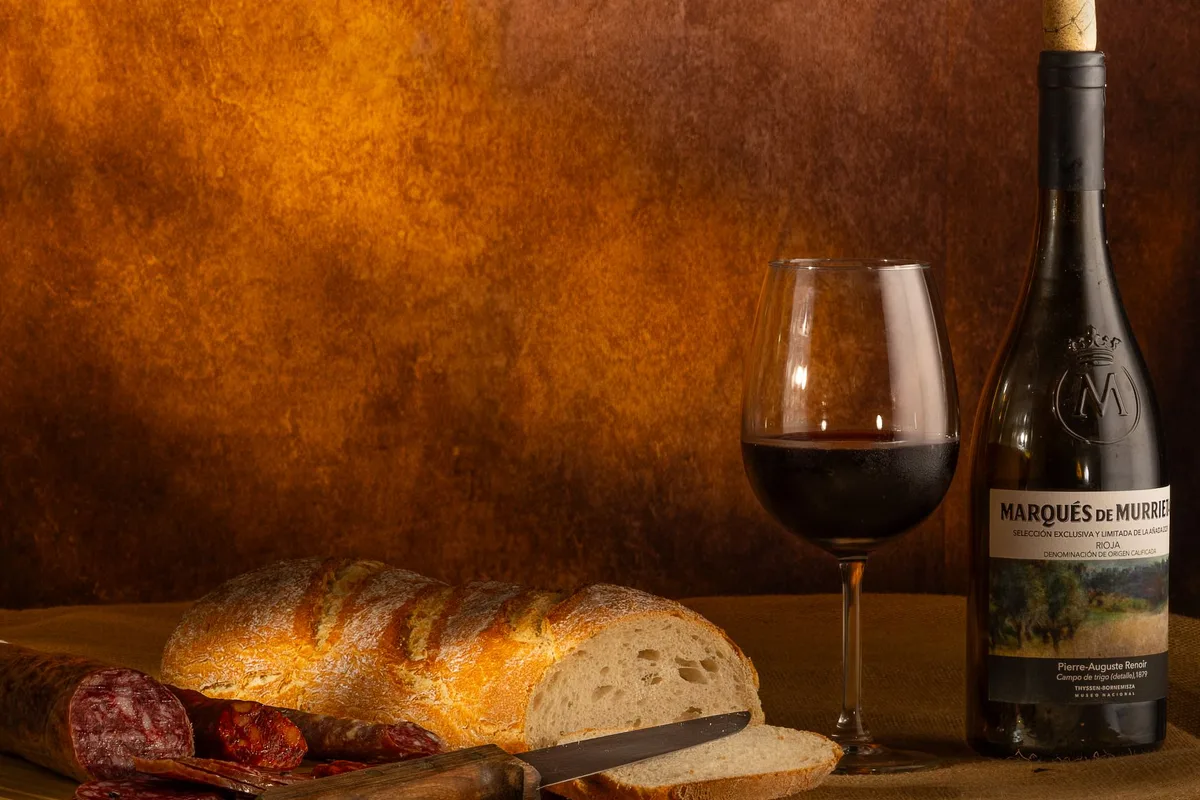
Photography is the single highest-leverage change most food stores can make. When people buy food online, they are doing something neurologically unusual: trying to feel the texture, smell, and provenance of a product through a screen. Flat product shots on a white background — the default for most Shopify themes — do nothing to help them do that.
Stores that switch from studio white-background shots to contextual lifestyle photography see a 30–40% uplift in add-to-cart rates on the relevant product pages. That is not a headline figure from a generic CRO study; it comes from food-specific A/B tests run by agencies working in this sector. The mechanism is straightforward: context tells a story that product specs cannot.
What contextual photography means in practice:
- Show the product being used — a jar of honey drizzled over toast, not sitting on a shelf
- Show provenance — the field, the farm, the producer's hands, the batch number on the label
- Show scale — a hand holding the product, or a bowl next to a recognisable object
- Show the moment of consumption — the steam from a coffee, the pull of a cheese, the colour of a sauce on a white plate
- Use video for texture-heavy products — a 5–10 second loop autoplay on the product page costs very little to produce and has an outsized effect on dwell time
For implementation: Shopify's native product page supports multiple images and video. If your theme does not surface video prominently, install Tolstoy (free plan available, paid from £19/month) or use a theme section block that supports mp4 loops. Keep autoplay videos muted and under 10 seconds — longer clips hurt page speed.
On image compression: use Shopify's built-in image optimisation, but also run your source images through Squoosh or TinyPNG before upload. Aim for under 200KB per image at 1200px wide. Every second of load time on mobile costs you roughly 7% of conversions in this sector.
What subscription nudges actually work for food and drink?
Subscriptions are the highest-margin mechanic available to food merchants, but most stores implement them poorly. The common mistake is to present subscription as a secondary option — a small toggle below the "Add to Cart" button — rather than the primary call to action.
Stores that lead with subscription (making it the default selection, with one-off purchase as the secondary option) see subscription take rates of 25–40% versus 8–12% when it is presented as an afterthought. That is a threefold difference in recurring revenue from the same traffic.
The implementation steps:
-
Choose the right app. For most UK food merchants, Recharge (from £99/month) is the standard, but Skio (from £299/month) has better churn reduction tooling. For smaller stores, Seal Subscriptions (free plan available, paid from £7.99/month) works well without the overhead.
-
Make subscription the default. Set the subscription option as pre-selected. The price differential should be visible — "Subscribe and save 15%" rather than showing two raw prices. Customers need to know what they are getting and why.
-
Show the cadence clearly. "Delivered every 4 weeks" is better than "Monthly". "Pause or cancel anytime" needs to be prominent — the number one reason people do not subscribe to food products is fear of being locked in.
-
Add a first-order incentive. A 20% discount on the first subscription order, or free delivery for the first three months, converts significantly better than a flat ongoing discount. The logic: you need to get someone through the door before you can build loyalty.
-
Build a subscription landing page. A dedicated page explaining your subscription programme — including what happens if you go on holiday, how to skip a delivery, what the cancellation process looks like — reduces subscription abandonment. Merchants who add this page typically see a 10–15% improvement in subscription completion rates.
How do provenance and trust signals affect food store conversion?
For food and drink, trust is not abstract — it is about safety, ethics, and quality. Shoppers buying artisan or premium food products online are making a bet on a brand they cannot touch or smell. Every signal that reduces uncertainty increases conversion.
The trust signals that move the needle most:
Certifications and accreditations. Display these in the right place — near the add-to-cart button, not just in the footer. Relevant marks for UK food merchants include: Soil Association Organic, Red Tractor, Rainforest Alliance, Fairtrade, SALSA, British Lion eggs. Do not just show the logo; add a one-line explanation. "SALSA accredited — independently audited food safety since 2019" says more than a badge alone.
Named producers. "Made by Sarah and Tom at Greenvale Farm, Herefordshire" converts better than "handcrafted in the UK". If you are a small producer, your story is a competitive advantage. Publish it on the product page, not just the About page.
Batch and traceability information. For premium and provenance-led products, showing the batch number, harvest date, or production date builds credibility. This is standard for single-origin coffee and is becoming expected in premium condiments, oils, and specialist ingredients.
Third-party editorial mentions. "As seen in Delicious Magazine" or "Recommended by The Independent" with a direct quote and date performs better than generic "as featured in" logos. Link to the source.
Reviews with specificity. "Lovely product" is noise. "The texture is smoother than other almond butters I've tried, and the nutty flavour comes through without any bitterness" drives conversion. Use Okendo or Judge.me (Judge.me has a free plan) and set your post-purchase email to ask a specific question about the product experience, not just a star rating. Merchant-verified purchase reviews consistently outperform unverified ones.
How should food merchants handle allergen and dietary information?
Allergen and dietary information is both a legal obligation and a conversion driver. Handled badly, it creates anxiety that kills the sale. Handled well, it becomes a positive signal: this merchant knows what they are doing.
The legal baseline: UK food law requires allergen information to be clear and accurate for all pre-packed foods. On an ecommerce product page, this means listing the 14 major allergens prominently, not buried in a downloadable PDF.
The conversion angle: shoppers with dietary requirements are actively looking for products that work for them. A clear allergen panel, a "suitable for" section (vegan, gluten-free, kosher, halal), and a search or filter that lets them navigate by dietary need are conversion features, not just compliance checkboxes.
Implementation checklist:
- Add a dedicated "Allergen Information" collapsible section to every product page — above the fold or within one scroll
- Use a standardised format: list the 14 allergens, bold those that are present, state "may contain" for cross-contamination risk
- Add a "Suitable for" tag system: vegan, vegetarian, gluten-free, dairy-free, nut-free. Make these filterable on collection pages
- If your range is complex, install a dietary filter app. Power Tools Filter Menu (from £9.99/month) or Boost Commerce (from £29/month) handle this well
- Keep the information current. A product reformulation that is not reflected online is a legal and reputational risk
Merchants who add structured allergen sections to product pages typically see a 5–8% improvement in conversion among customers with dietary requirements — a segment that is disproportionately loyal once they find a brand they trust.
What is the right way to handle delivery messaging for food stores?
Delivery is the biggest unconverted objection in food ecommerce. Shoppers want to know: will it arrive fresh? Will it arrive at all? What happens if I miss the delivery? How much does it cost?
Most stores answer these questions in the footer, three clicks away from the product page. That is where conversions die.
The standard to aim for:
At the product level. Show estimated delivery date on the product page — "Order before 2pm for next-day delivery" or "Dispatched Wednesday, arriving Friday". This is achievable with apps like Estimated Delivery Date by Hulk Apps (free plan available) or Order Delivery Date by Orberlo.
Free delivery threshold. Show the threshold prominently. "Add £8.50 more for free delivery" in the basket reduces abandonment. Shopify's native cart supports this; the Free Shipping Bar app (free) handles it cleanly if your theme does not.
Temperature and packaging. For chilled or frozen products, explain the packaging on the product page — not just in FAQs. "Packed with ice packs and delivered in a chilled-lined box. Safe for 48 hours out of refrigeration" is the kind of copy that removes a purchase objection before the customer thinks to ask.
Delivery windows for perishables. If you dispatch on specific days to ensure freshness, say so clearly. "We dispatch Mondays and Tuesdays only, so your order arrives fresh — never over a weekend." This is a reassurance, not a limitation — frame it that way.
Returns and freshness guarantees. Food returns are unusual, but a freshness guarantee ("if it arrives damaged or not as described, we'll replace it or refund you in full — no questions") reduces the perceived risk of buying from a new brand. Add this to the product page, not just the footer.
Merchants who move delivery information from the footer onto product pages and the cart see a 10–20% reduction in checkout abandonment, which directly translates to conversion uplift.
How do you use bundles and gifting to increase average order value?
Food and drink has a natural advantage in bundles and gifting that most merchants underuse. A customer buying one jar of hot sauce is likely to buy three if the occasion — a gift, a discovery set, a kitchen starter pack — is framed for them.
Bundles that work in food ecommerce:
- Tasting sets. Three to five products at a slight discount with a "try our range" framing. Works especially well for new customers who are not yet committed to a single SKU.
- Recipe bundles. Group products that go together for a dish or occasion. "Everything you need for a proper Sunday roast" sells the occasion, not the individual product.
- Gift boxes. For Q4 and seasonal periods, a curated gift box with packaging priced between £25–£50 is a high-margin, high-conversion product. Build the gift box as a separate product, not a discount bundle.
For implementation: Frequently Bought Together by Code Black Belt (from £9.99/month) handles bundle suggestions on product pages. For full bundle management and custom packaging options, Bundler (free plan available, paid from £6.99/month) is a solid choice.
The uplift: merchants who add a tasting or discovery bundle to their homepage and product pages typically see a 15–25% increase in average order value within 60 days.
Key Takeaways
The gap between a 1.5% and a 3.5% conversion rate for a food and drink Shopify store almost always comes down to the same six things:
- Photography — switch from product-on-white to contextual shots and short video loops. This is the fastest-acting change.
- Subscriptions — make subscription the default, show the cadence clearly, add a first-order incentive, and build a dedicated subscription page.
- Provenance — name your producers, display certifications near the buy button, and use specific third-party quotes rather than logo strips.
- Allergen and dietary information — put it on the product page, make it filterable on collection pages, and keep it current.
- Delivery transparency — estimated dates on product pages, free delivery threshold in the basket, and packaging reassurance for perishables.
- Bundles — tasting sets, recipe bundles, and gift boxes increase AOV without new traffic.
Start with photography and delivery messaging — they require no app spend and have the fastest conversion impact. Build subscriptions and bundles in month two once the baseline is higher. Provenance and allergen work runs in parallel and compounds over time as trust accumulates.
If you want a structured review of where your specific store is losing conversions, get in touch with the SuttonCommerce team.